
Overview
A user's transcript holds the history of their training activities. The transcript can be viewed by the learner or their manager and can be downloaded to review offline. The transcript is commonly found on the homepage, learning consoles or main menu. This document describes the details found on your transcript and how to export your transcript.
Transcript Details
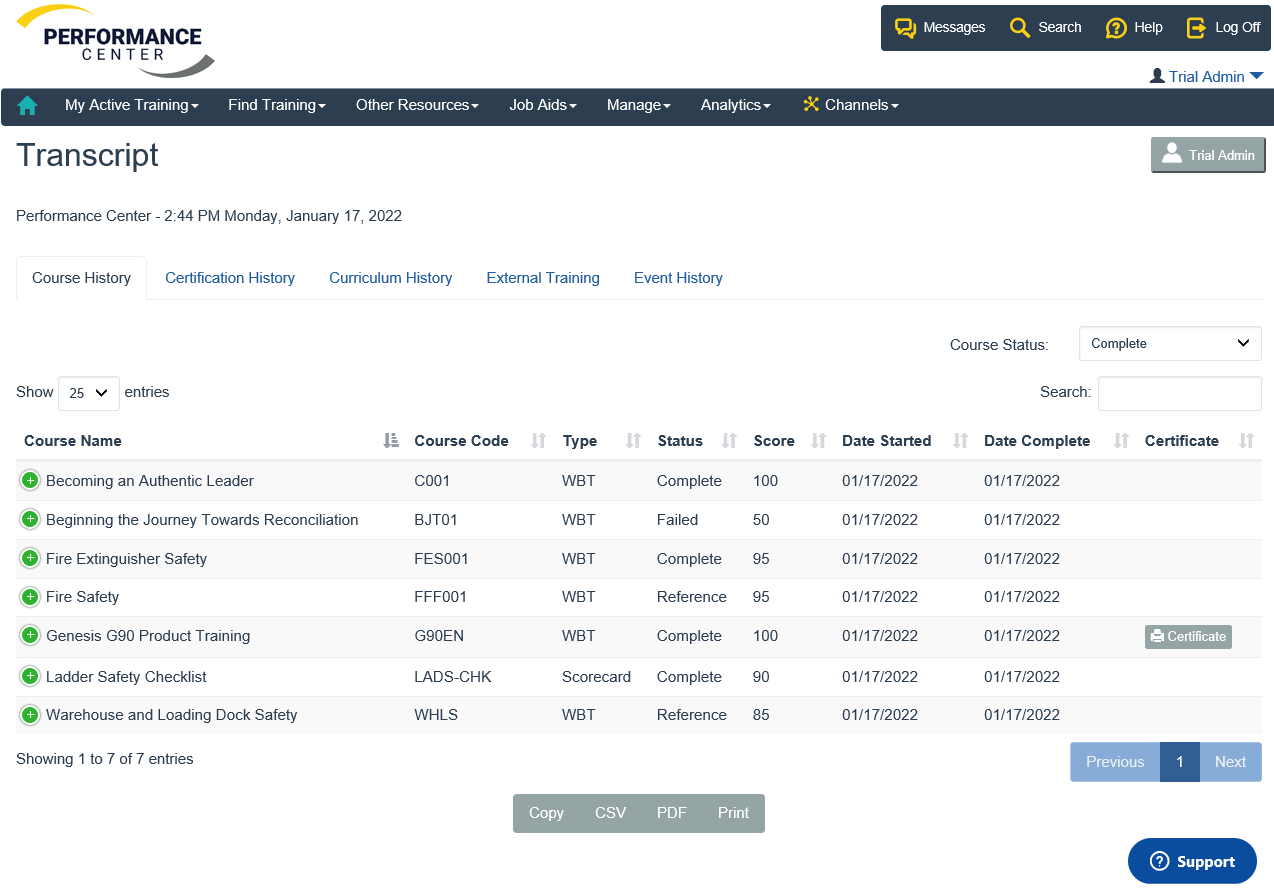
Course History
The course history tab displays your progress in courses that you have started. Details include the course type, status, score and date completed. If there is a printable certificate available a download link is also displayed. To export or print
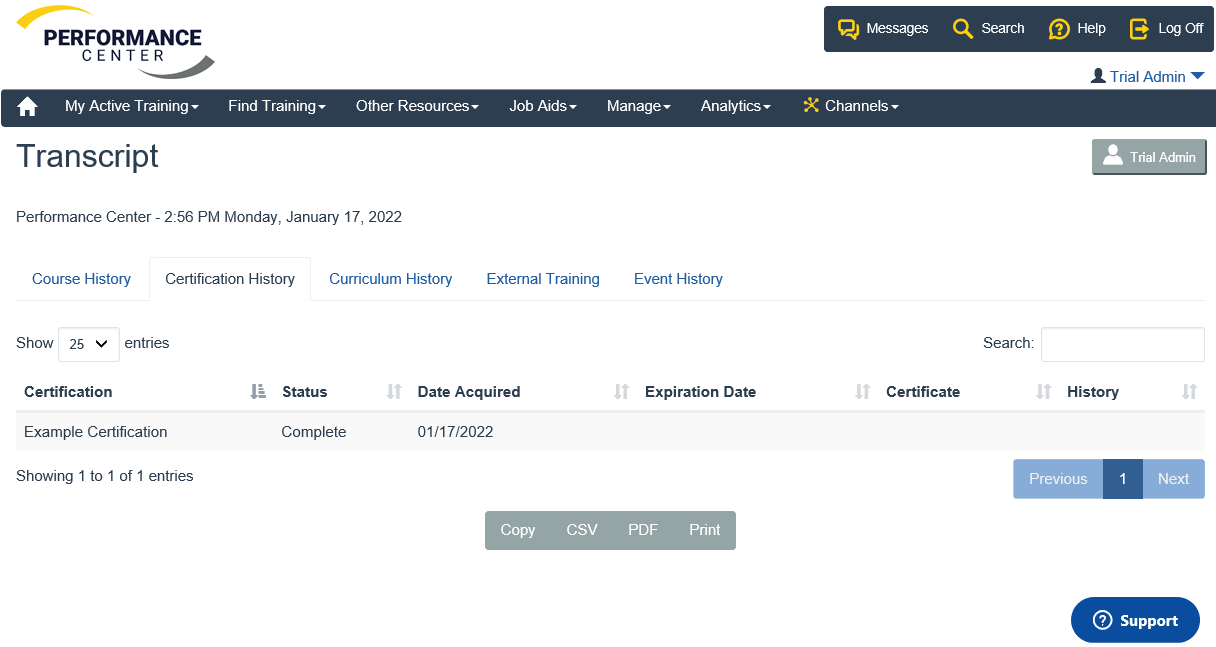
Certification History
The certification history tab displays details your completed certifications. If there is a printable certificate available a download link is also displayed.
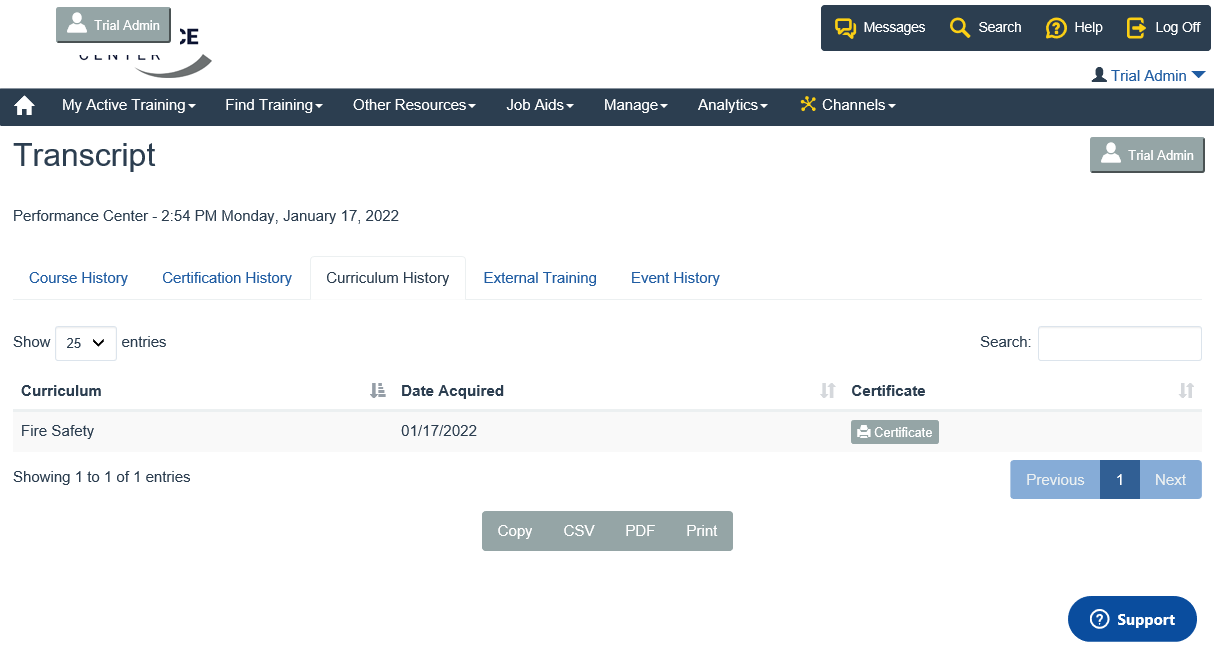
Curriculum History
The curriculum history tab displays details your completed curricula. If there is a printable certificate available a download link is also displayed.
External Training
External Training is an add-on feature that allows a manager to store training completed outside the performance center. If you would like to learn more about this add-on, contact LogicBay Support at helpdesk@logicbay.com.
Event History
Event History is an add-on feature that allows a manager to create a learning event. If you would like to learn more about this add-on, contact LogicBay Support at helpdesk@logicbay.com.
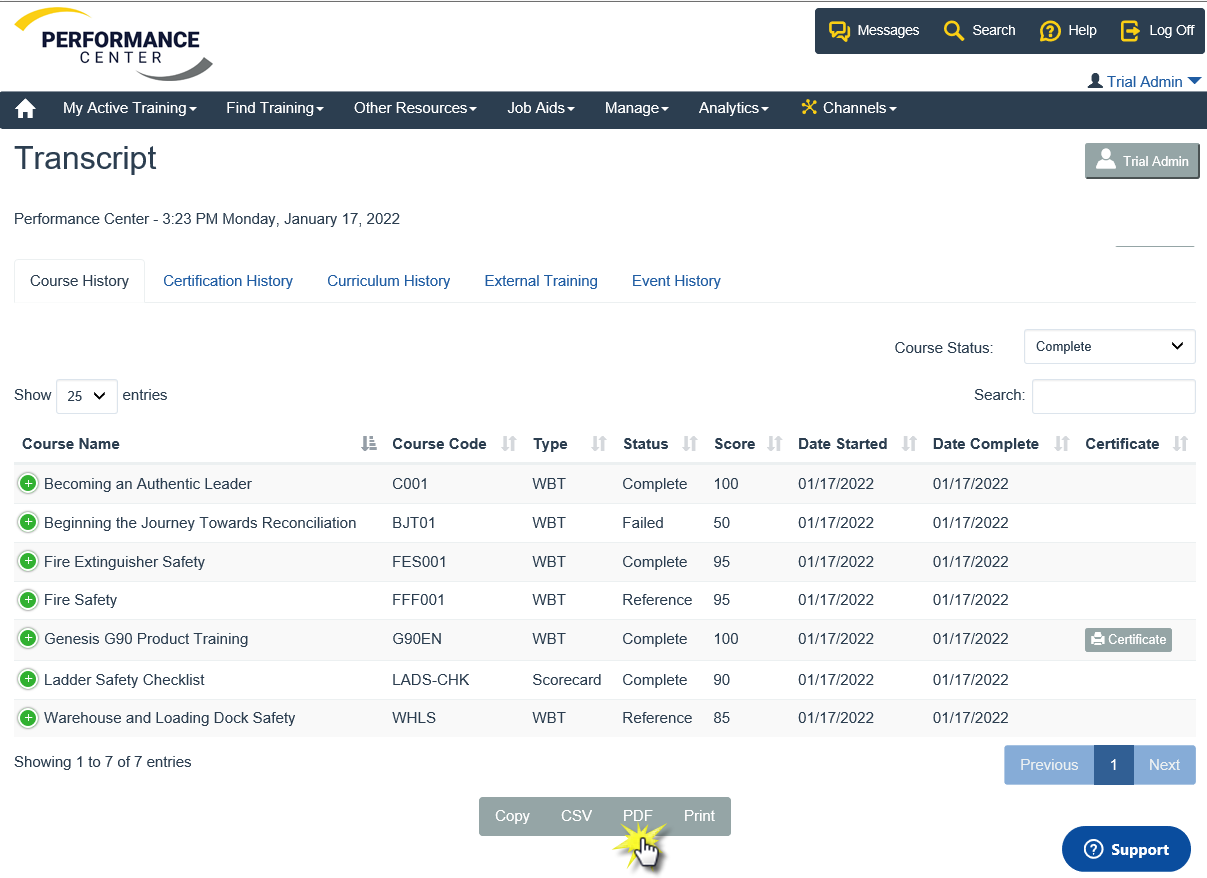
Exporting Transcript
Use the buttons at the bottom of the transcript to copy, export to CSV, PDF or print the transcript details.
Comments
0 comments
Article is closed for comments.