
This video covers:
- Accessing private channels
- Approving private channel subscription requests
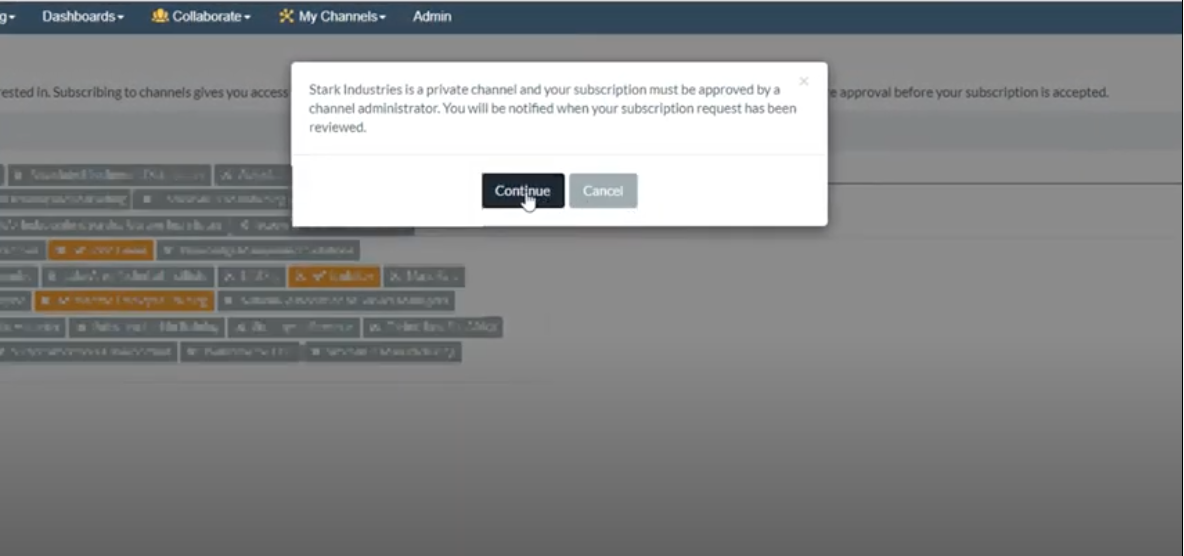
If you have chosen to make your channel private, users won't automatically be able to access it when they add the channel. They'll receive a message letting them know that they'll need approval.
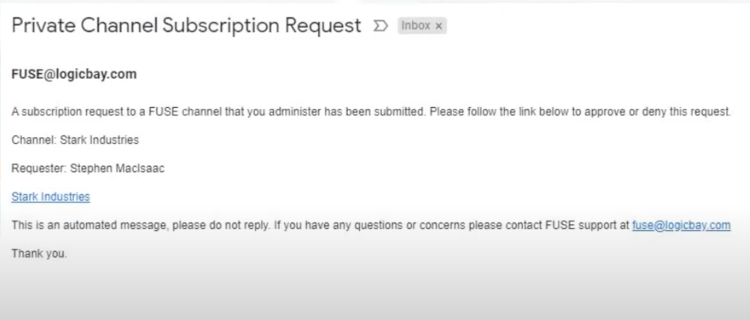
The Channel Administrators are notified via email that a new request has been submitted.
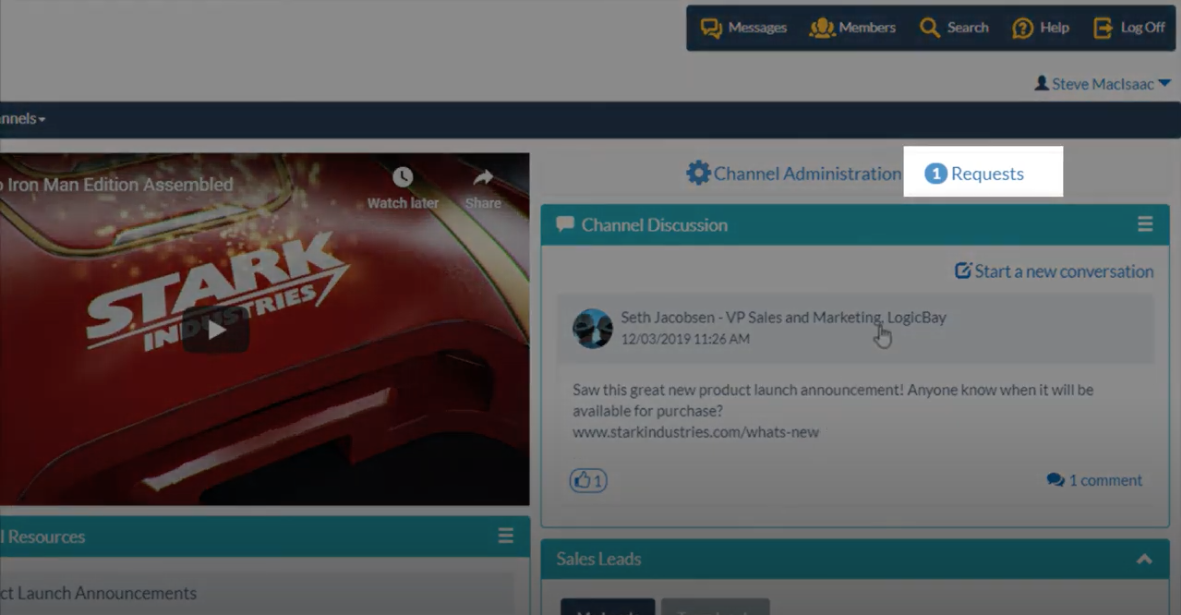
An administrator viewing the channel will immediately notice pending requests on the administration widget.
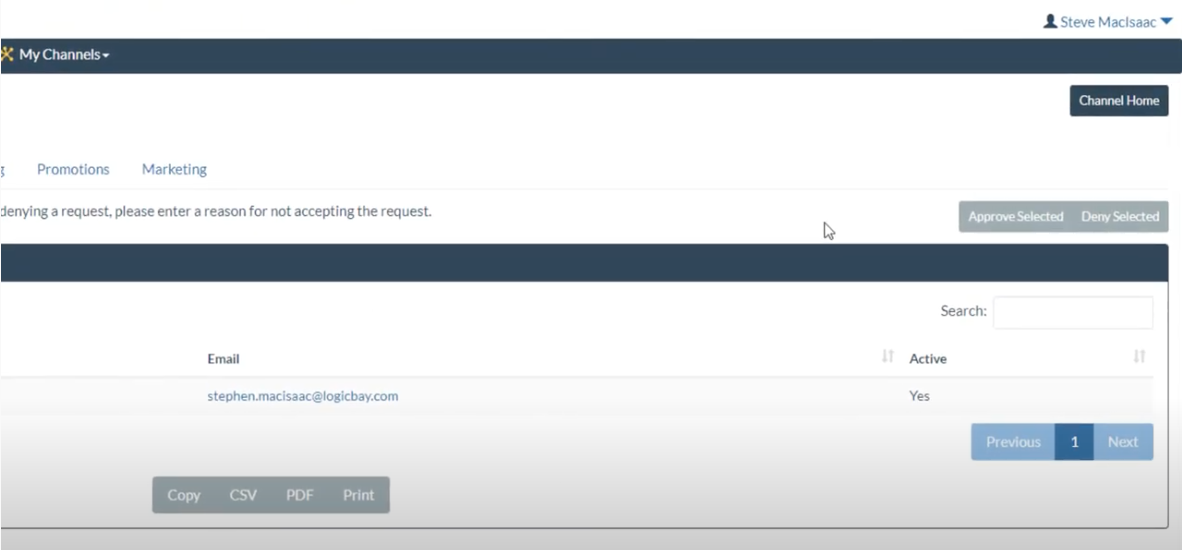
In the Channel Administration, an administrator can choose to approve or deny an individual request.
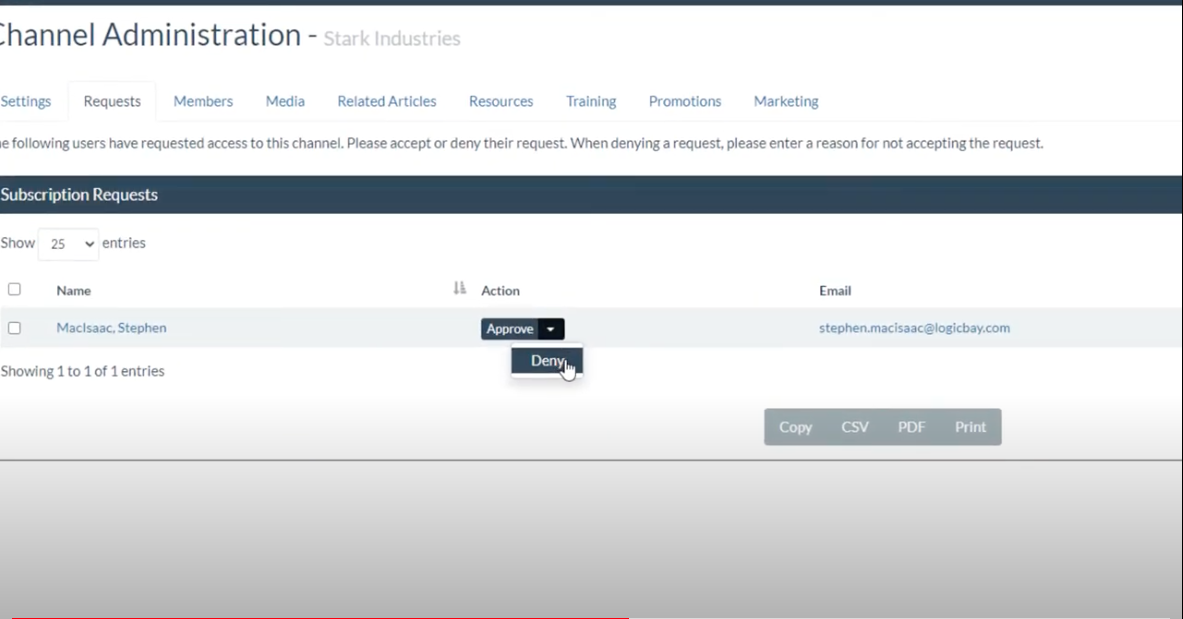
If you have multiple pending requests you can use the checkboxes to select more than one at a time, or select all them, and use the buttons in the top-right to approve or deny the selected requests.
Once approved, the user will receive an email letting them know they've been approved.
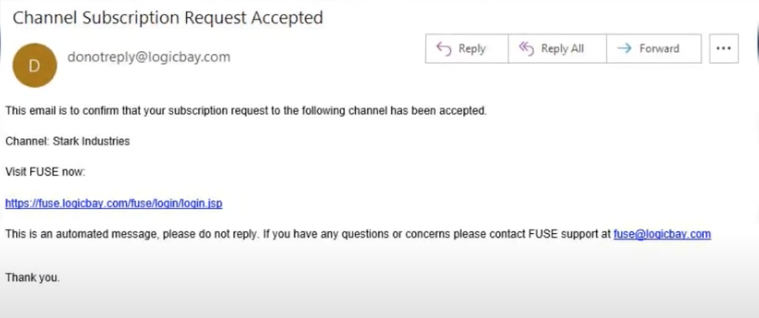
and that the user has access to your channel.
Please watch the video below to see this process in action.
Comments
0 comments
Please sign in to leave a comment.